
Antivirus Basics
Understand antivirus alerts, scans, and protection status.
A simple educational guide to help readers understand virus warnings, scan results, quarantine messages, and common antivirus dashboard notices.
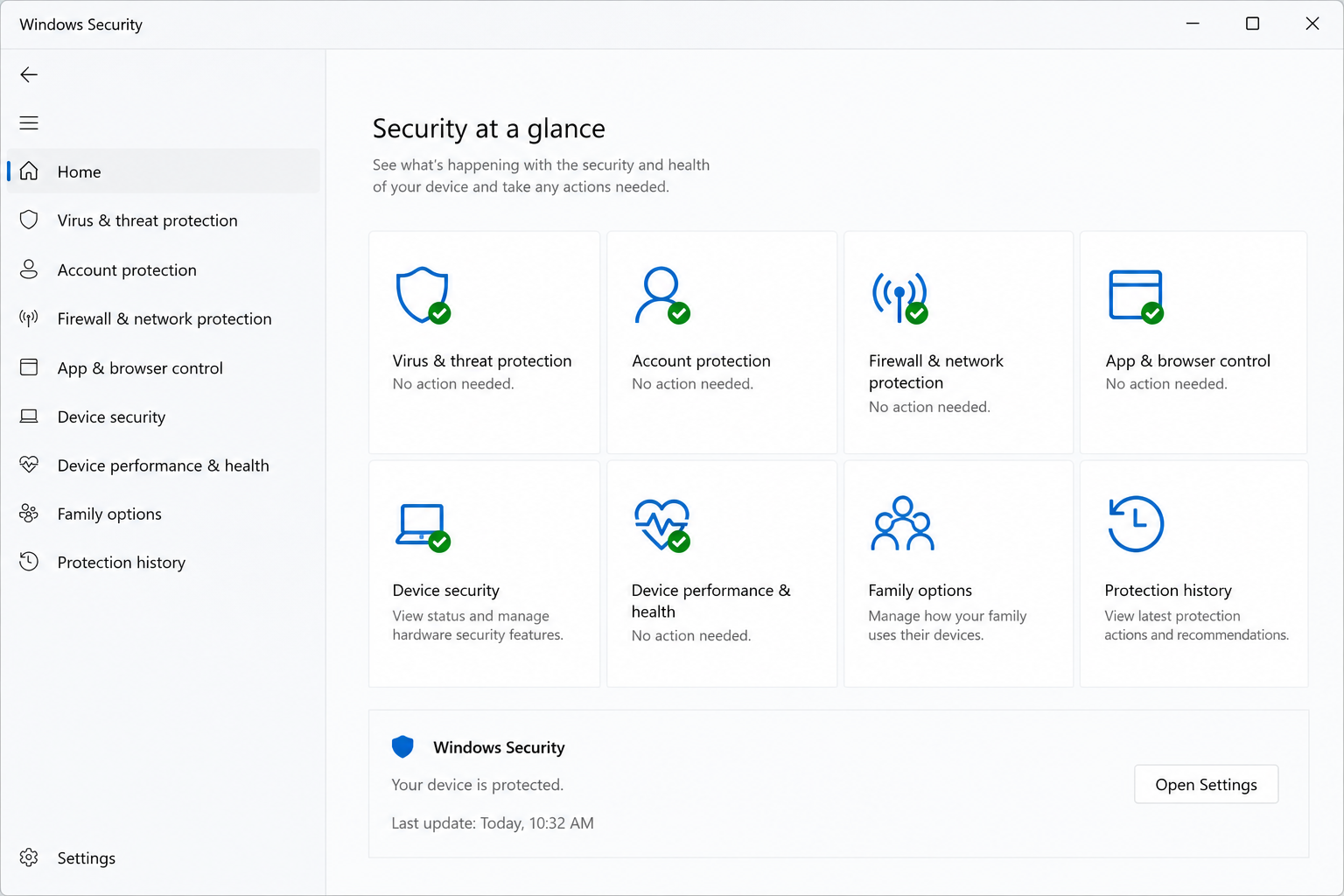
Antivirus Basics
Security Alerts
Beginner
Learning Only
What Users Usually See
Common antivirus screens and messages.
Antivirus software may show warnings, scan screens, protection history, quarantine messages, or browser safety alerts.
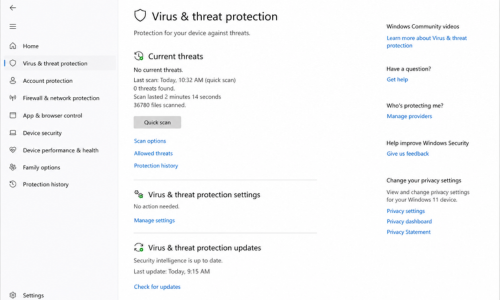
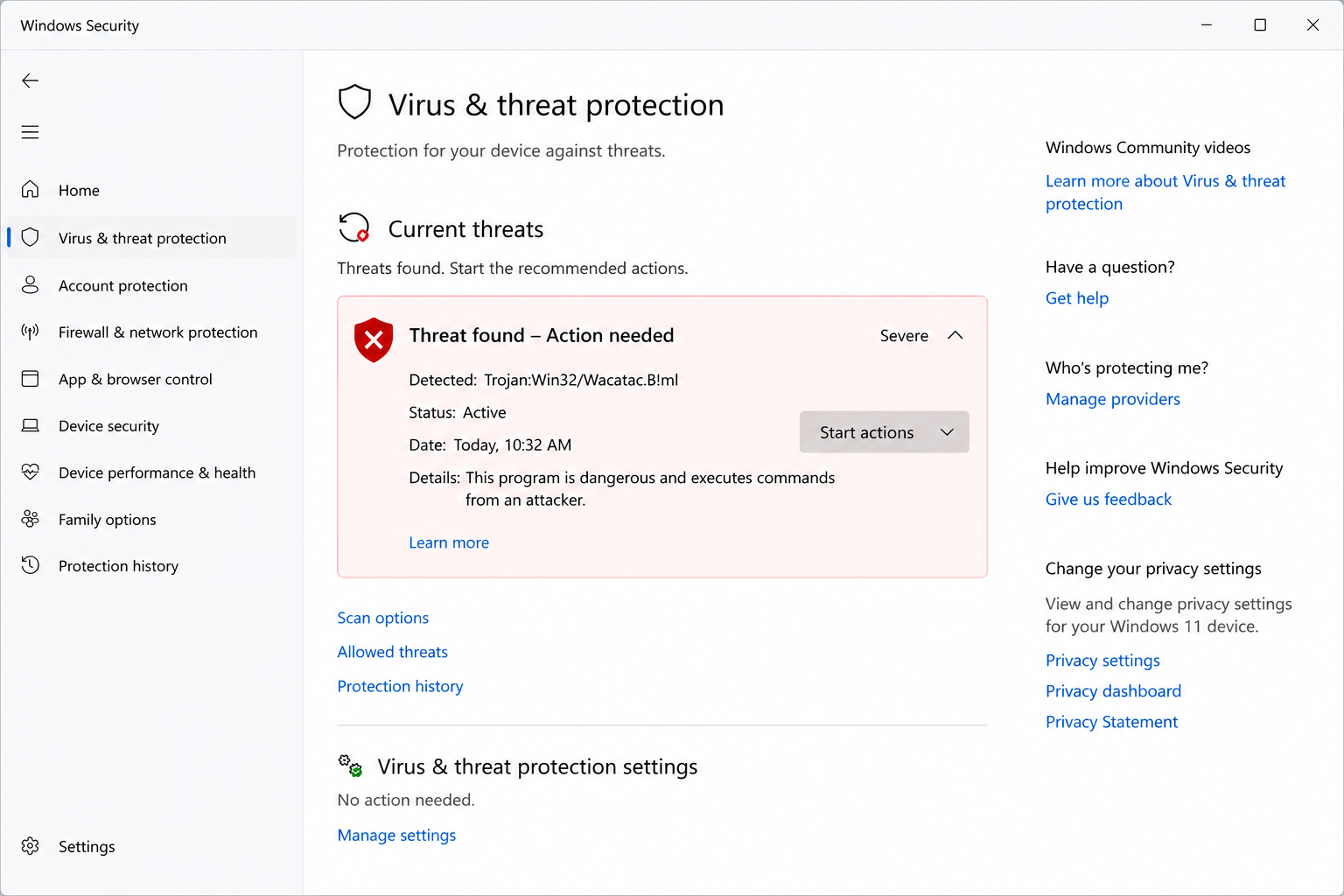
Virus & Threat Protection
A dashboard area where protection status, scan options, and recent security activity may appear.
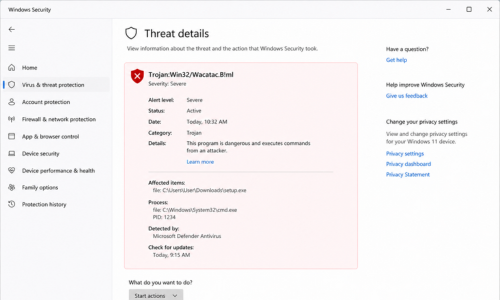
Threat Found Warning
This type of message may appear when a file, download, or activity is marked suspicious.
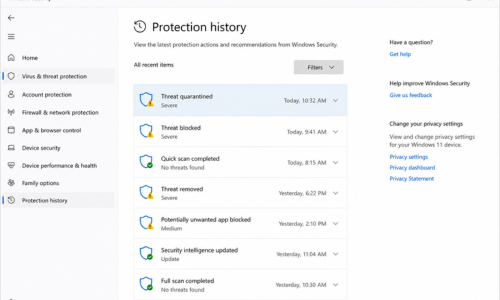
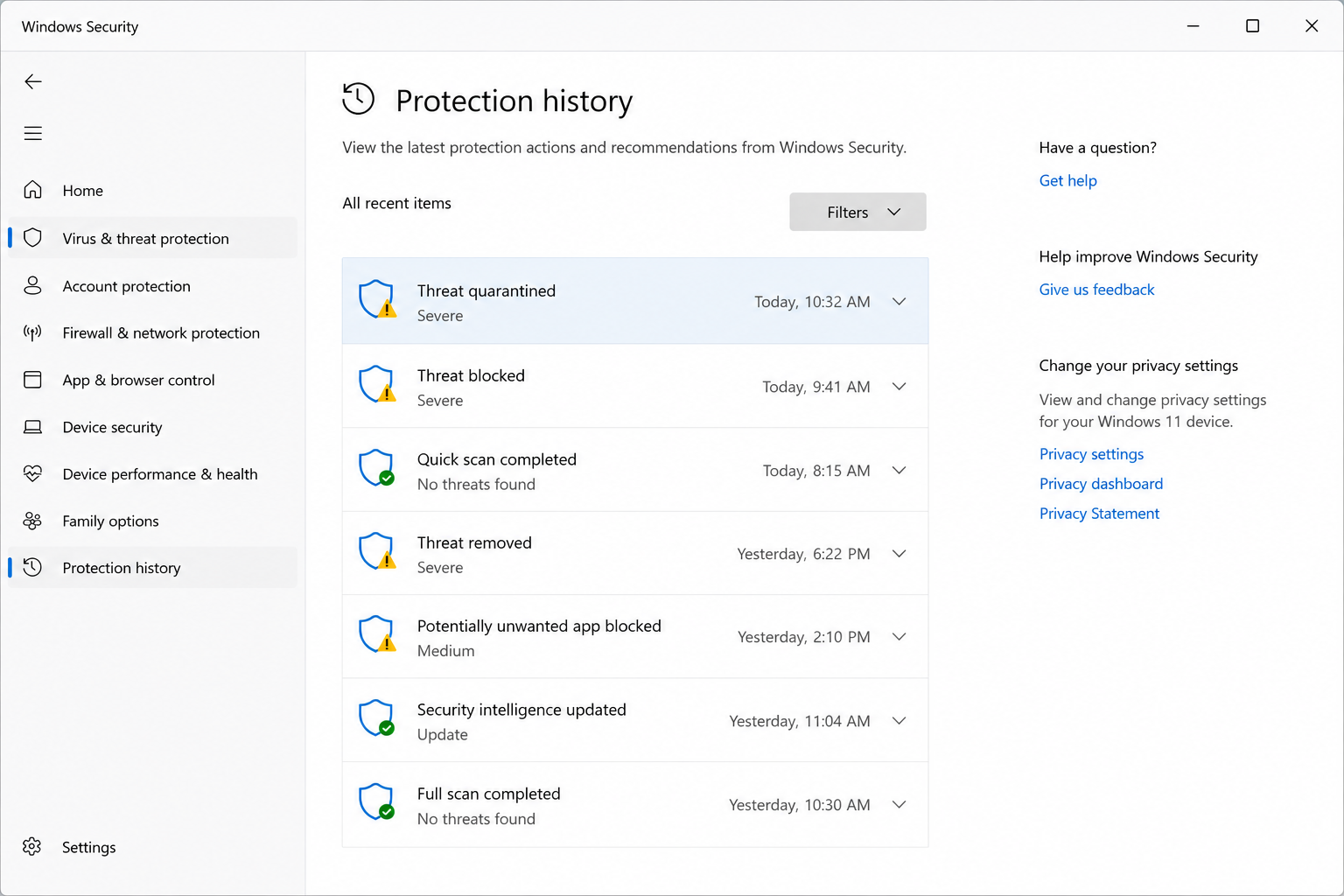
Protection History
Protection history helps users review detected items, blocked actions, and previous security events.
Common Signs
Signs that often appear with antivirus alerts.
Security notification appears
A pop-up or system notification may mention a detected threat.
File download blocked
Downloads may be stopped when the file looks unsafe or unknown.
Scan result shows action
Scan results may show blocked, removed, quarantined, or allowed items.
Browser warning displayed
Unsafe website or phishing warnings may appear while browsing.
Step-by-step Guide
How to review an antivirus warning safely.
These steps are written for learning purposes and explain what users can check when an antivirus warning or protection notice appears.
Review the warning message
Read the alert carefully. Check whether it came from the antivirus dashboard, system security settings, or a browser page.
Open protection history
Protection history can show recently detected items, blocked actions, quarantine status, and security events.
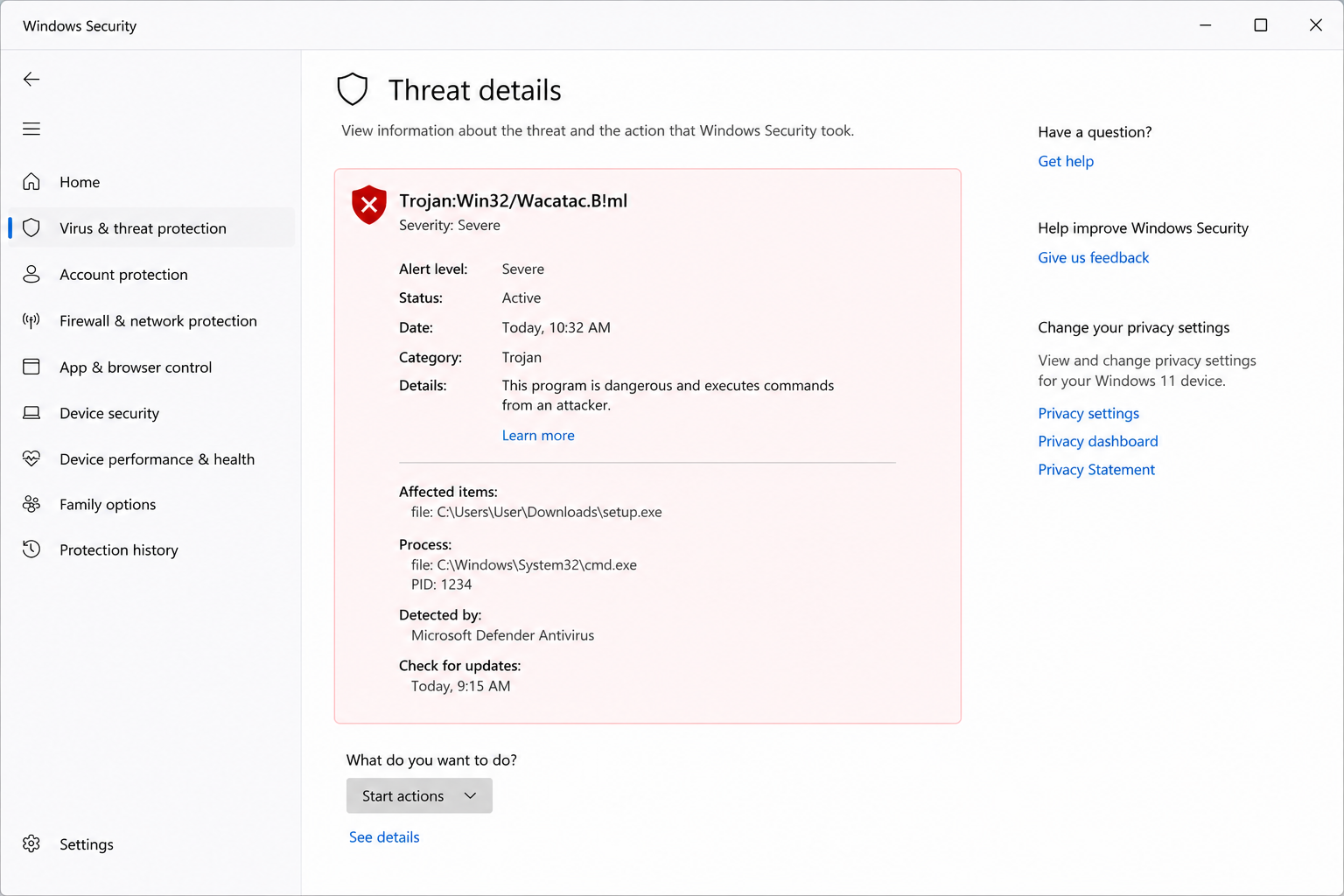
Check threat details
Threat details may explain the detected item name, location, severity level, and action taken by the antivirus.
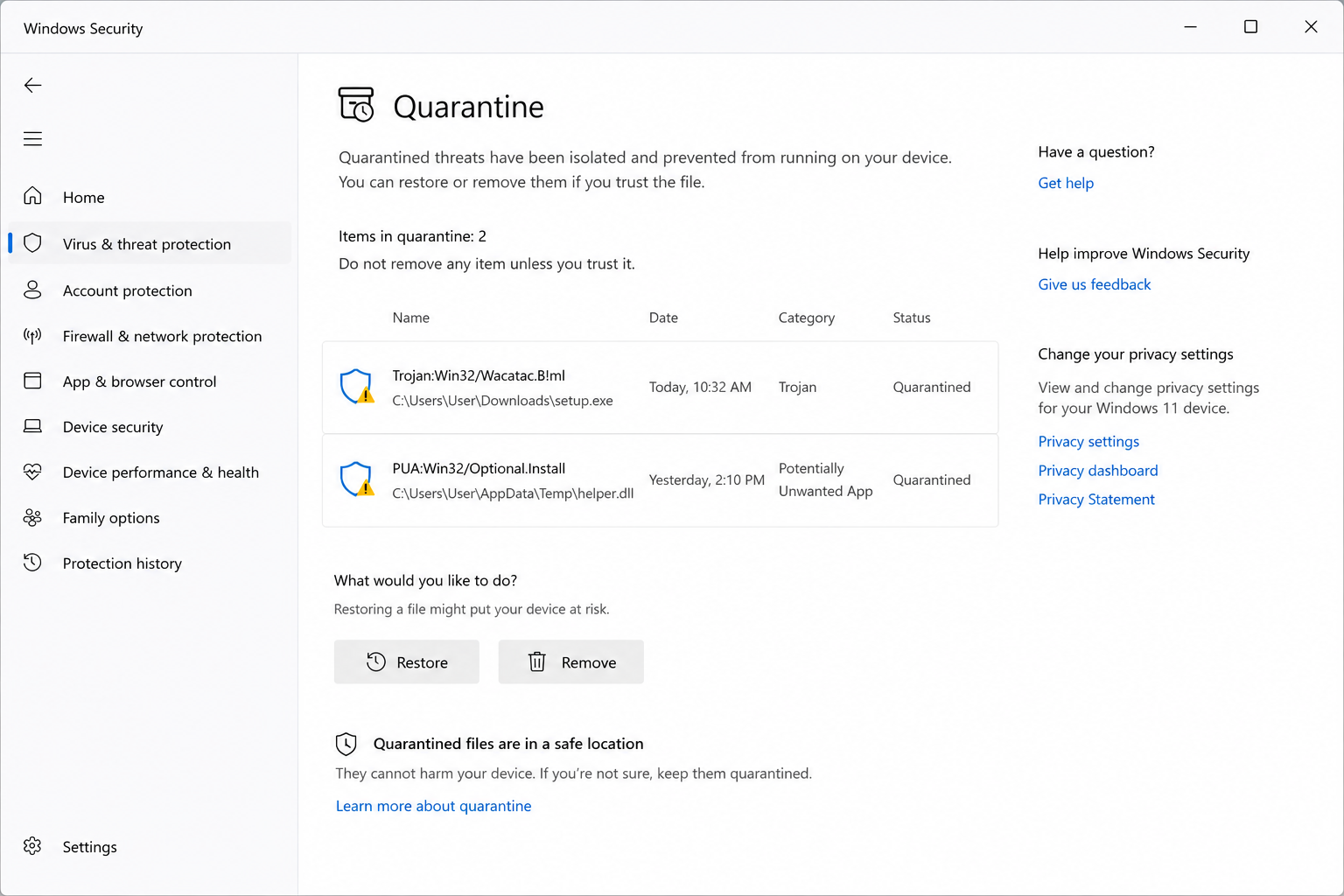
Understand the protection action
Terms like blocked, quarantined, removed, or allowed describe what action the security tool may have taken.
FAQ