
Simple educational guides about antivirus alerts, malware warnings, safe browsing, privacy, and device protection.
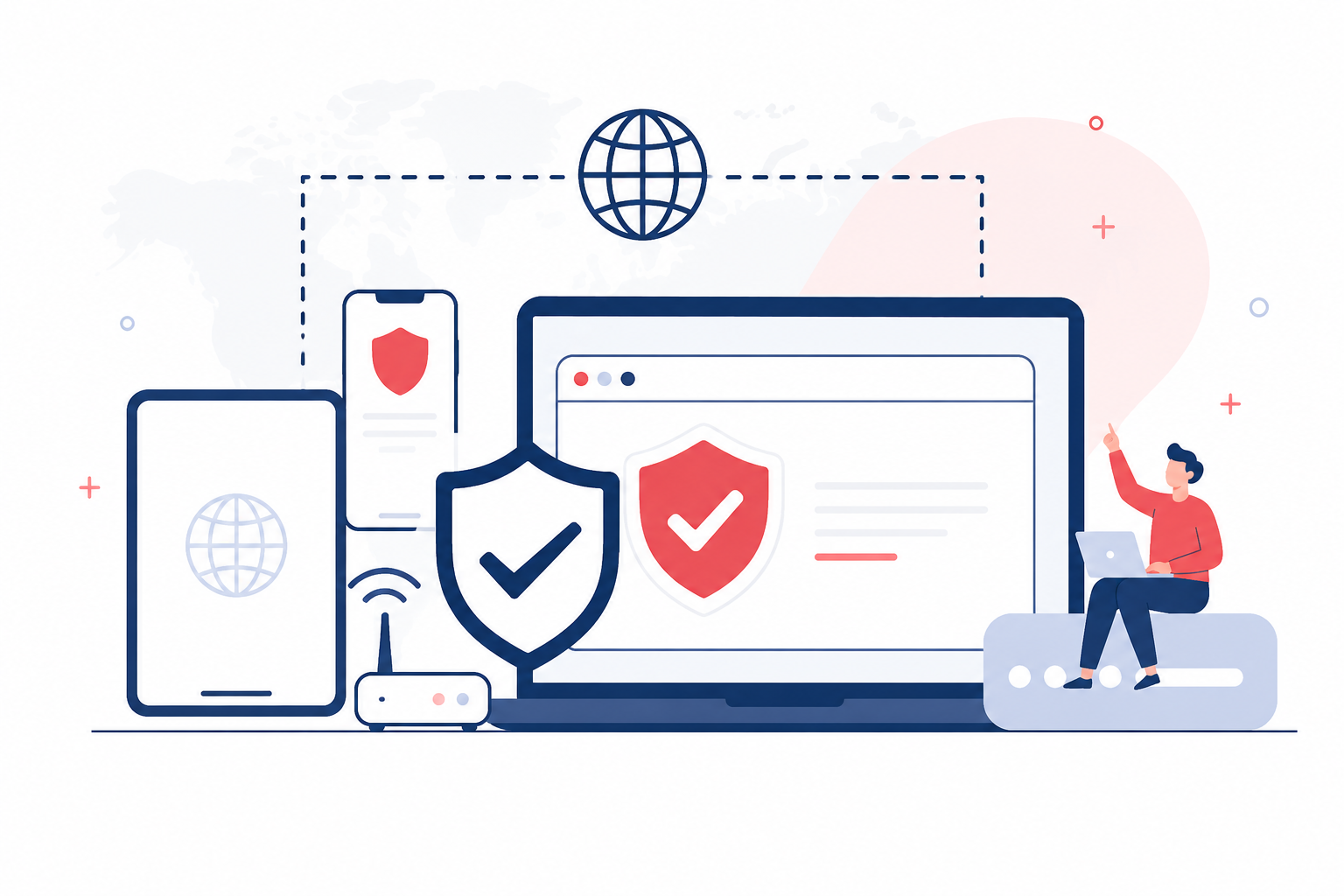
Popular Security Topics
Explore educational guides covering antivirus software, malware awareness, privacy, online safety, and common security-related concepts.
Learn scans, protection status, security updates, and the fundamentals of antivirus software.
Understand malware, viruses, spyware, ransomware, and common threat terminology.
Learn how to recognize unsafe websites, suspicious downloads, and online risks.
Understand privacy settings, browser tracking, passwords, and account security basics.
Learn how phishing emails and fake messages attempt to collect information.
Understand alerts, notifications, warnings, and protection status messages.
Common Security Alerts
Learn what common antivirus alerts, browser warnings, firewall messages, and unsafe website notices usually mean.
Avoid clicking unknown pop-ups or downloading tools from warning pages. Review alerts from trusted security settings only.
Learn what a virus alert can mean and how to review it carefully.
Understand why a file may be flagged as risky or unknown.
Learn about unsafe website messages and browser protection notices.
Understand protection status, renewal reminders, and expired alerts.
Learn why firewall messages appear for apps and network activity.
Understand alerts related to phishing pages, risky links, and downloads.
How Protection Works
Antivirus tools follow a basic process to detect suspicious activity, scan files, isolate threats, and show protection status.
A risky file, website, email link, or unknown activity may trigger a warning.
Security software checks patterns, behavior, and file details.
The system reviews files, downloads, memory, and selected locations.
Suspicious items may be blocked, quarantined, or marked for review.
The antivirus dashboard shows alerts, scan results, and protection status.
This section is for educational understanding only. Always review security warnings from trusted system or antivirus settings.
Learn antivirus basicsFeatured Learning Guides
Carefully written educational guides to help readers understand antivirus, malware, privacy, browsing safety, and protection basics.
Learn what antivirus software does, why alerts appear, how scans work, and what protection status means.
Understand the difference between malware, viruses, spyware, ransomware, and other security terms.
Learn how antivirus tools monitor files, downloads, websites, and background activity.
Understand firewall notifications, network access, blocked apps, and basic traffic rules.
Learn how risky downloads, fake buttons, and unknown installers can affect device safety.
Why Security Awareness Matters
Security awareness helps readers understand warnings, avoid unsafe clicks, and make better decisions while browsing, downloading, or opening emails.
Learn why unknown files, fake download buttons, and risky installers need attention.
Understand how phishing pages and fake alerts may ask for private details.
Learn what alerts, firewall messages, browser warnings, and scan results can mean.
FAQ
Simple answers about antivirus software, malware, alerts, real-time protection, and online safety.